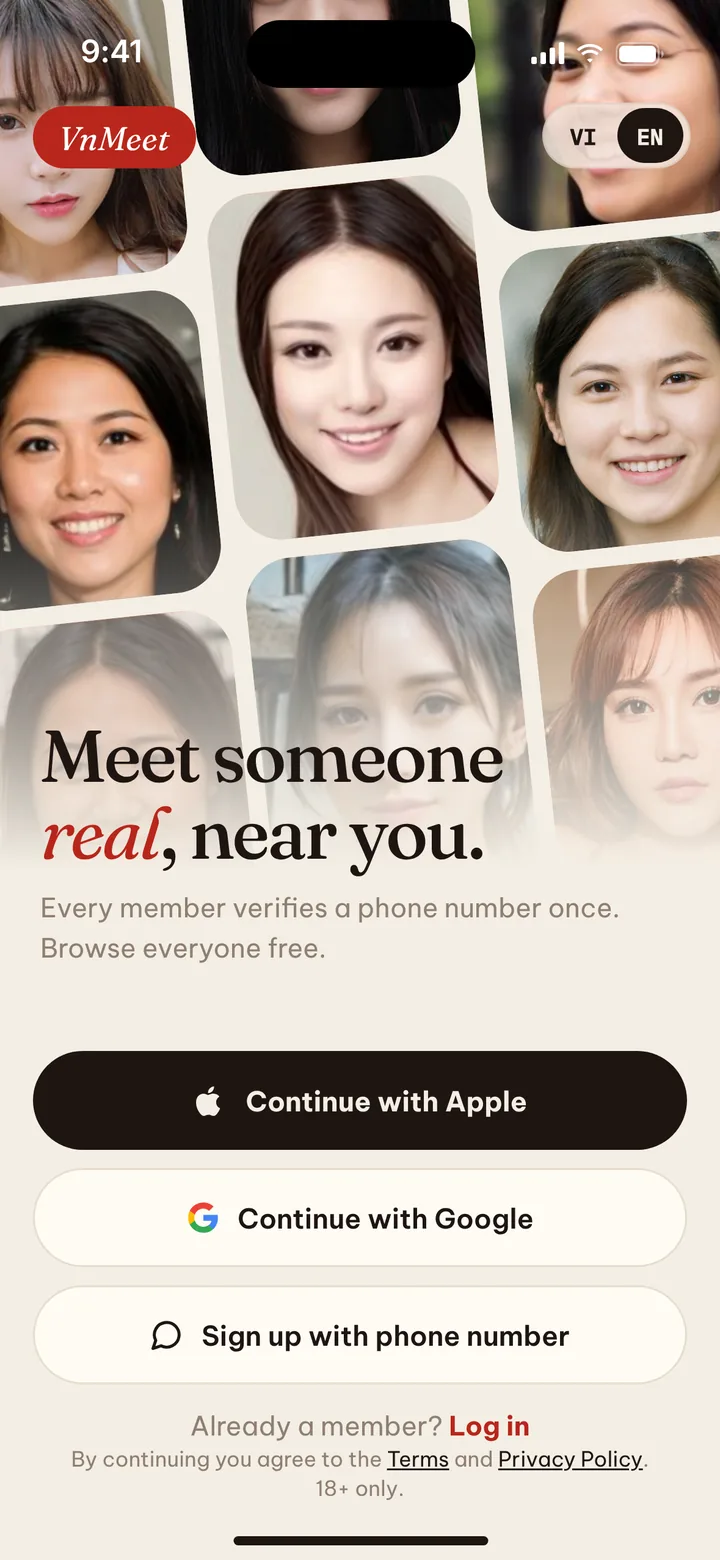
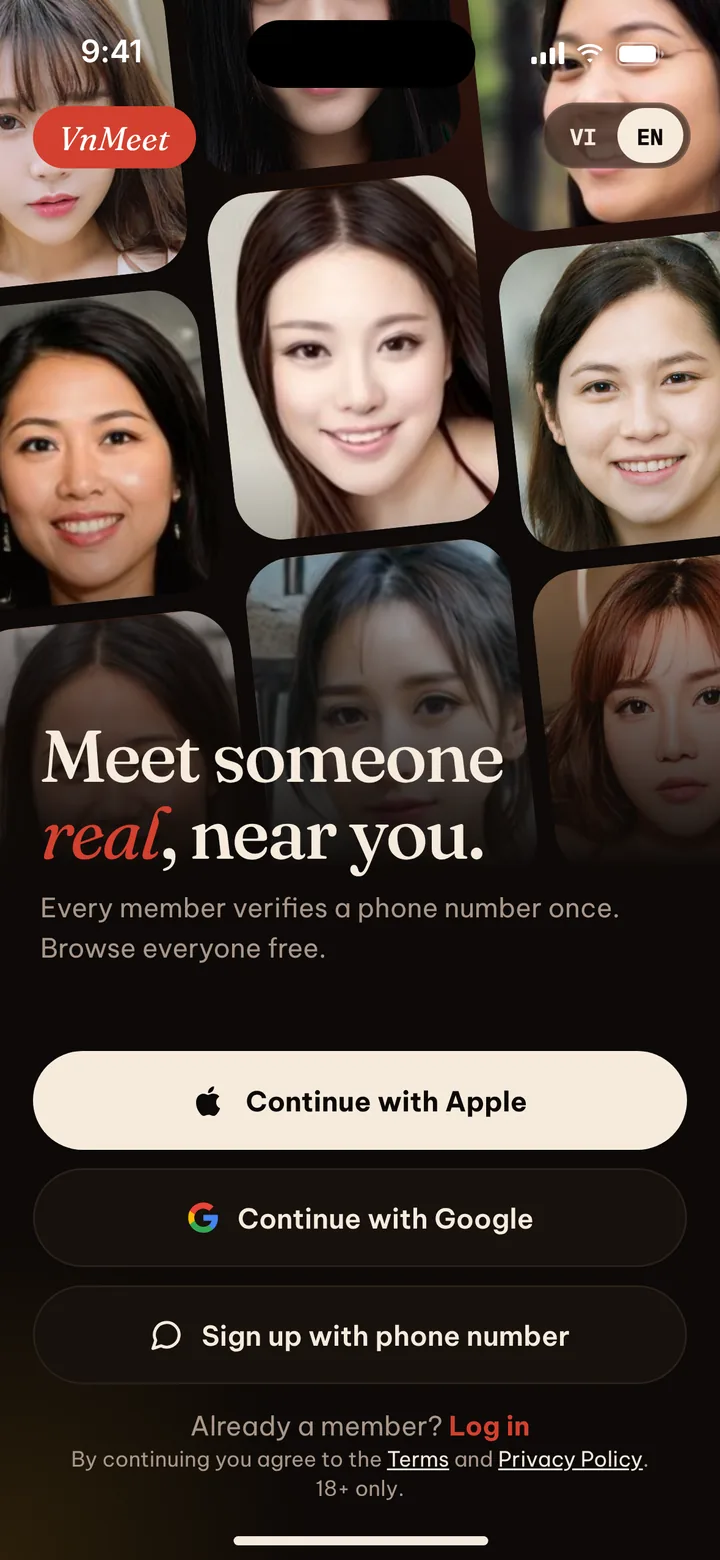
Meet someonereal, near you.
Gặp người thật, ngay gần bạn.Browse everyone for free, then say hi first. No swiping and no waiting for a match. Every member confirms a phone number, and a live selfie earns the verified badge.
Why VnMeet
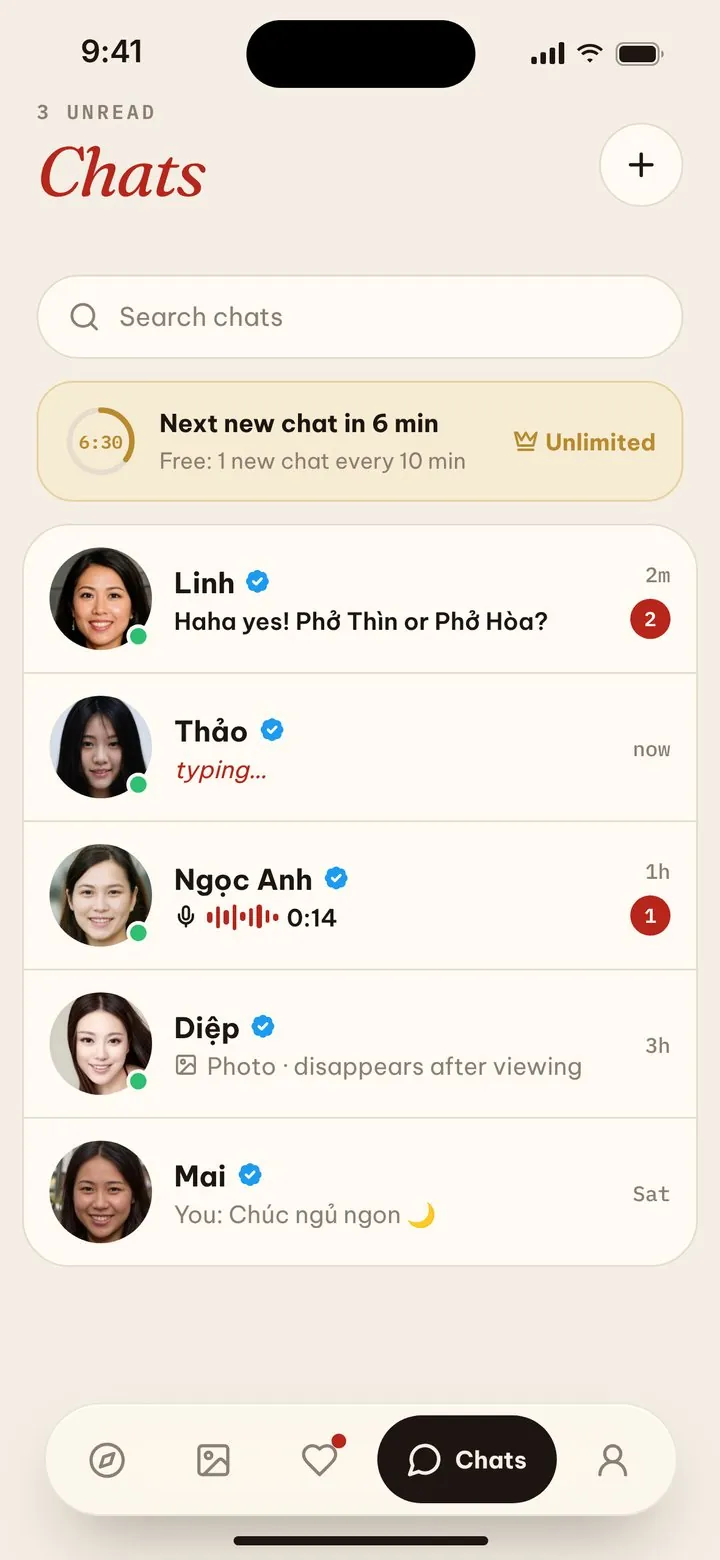
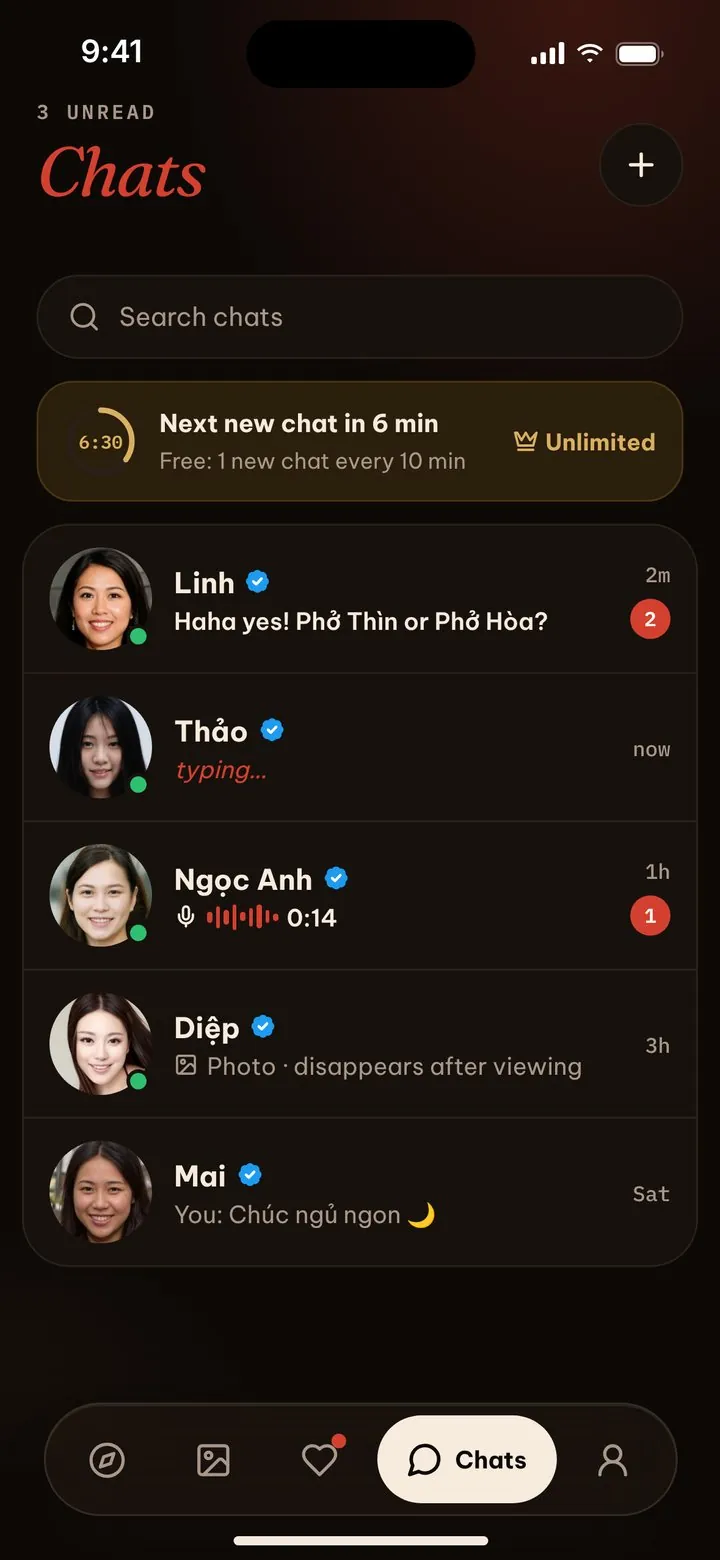
Other apps make you swipe, then wait for a match, then hope. On VnMeet you see everyone near you, and you can send the first message right now.






 Real people. Every member confirms a phone number before they can message.
Three things you won’t wait for.
The parts of dating apps that waste your evening, removed.
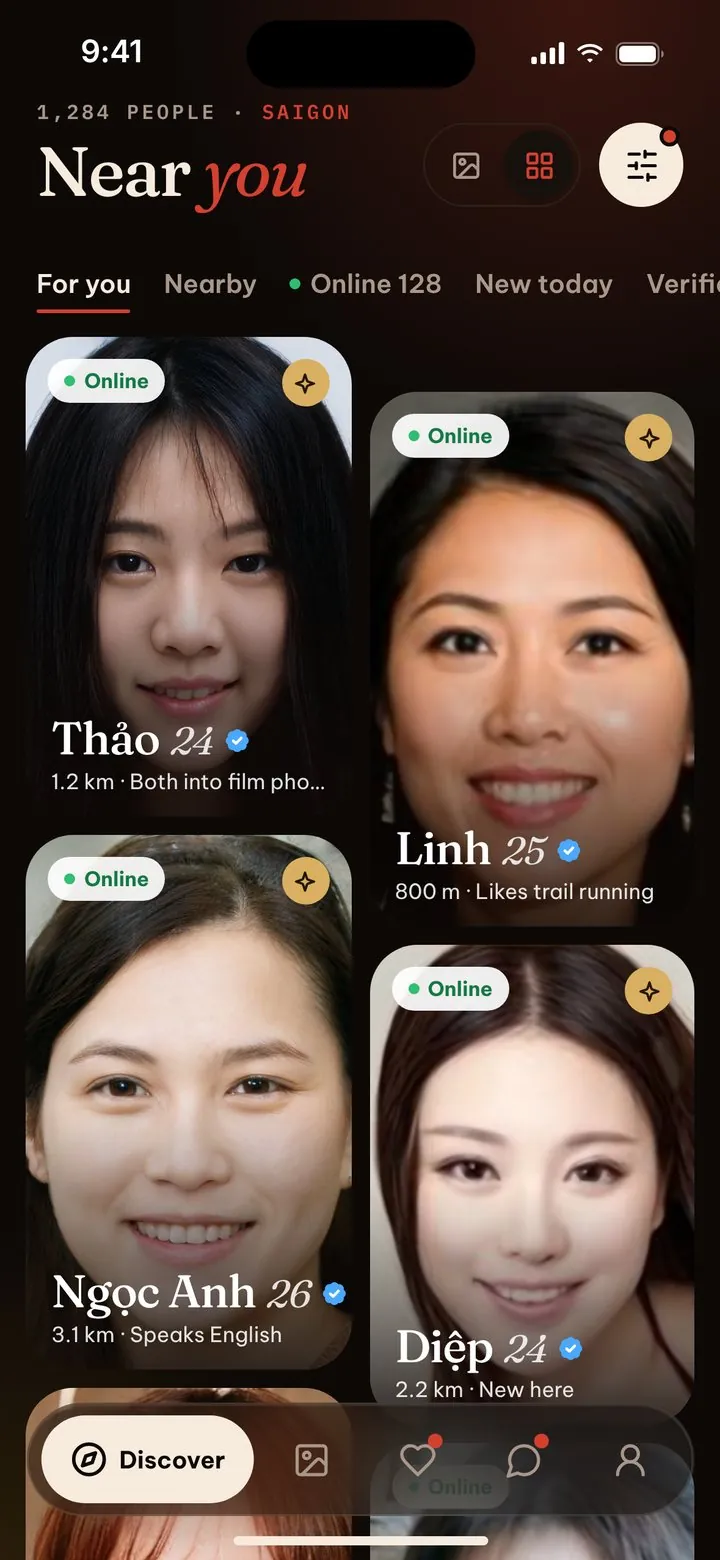
Browse everyone, free.
No daily limit and no hidden profiles. Filter by distance, age and what they’re looking for.
Xem tất cả, miễn phí.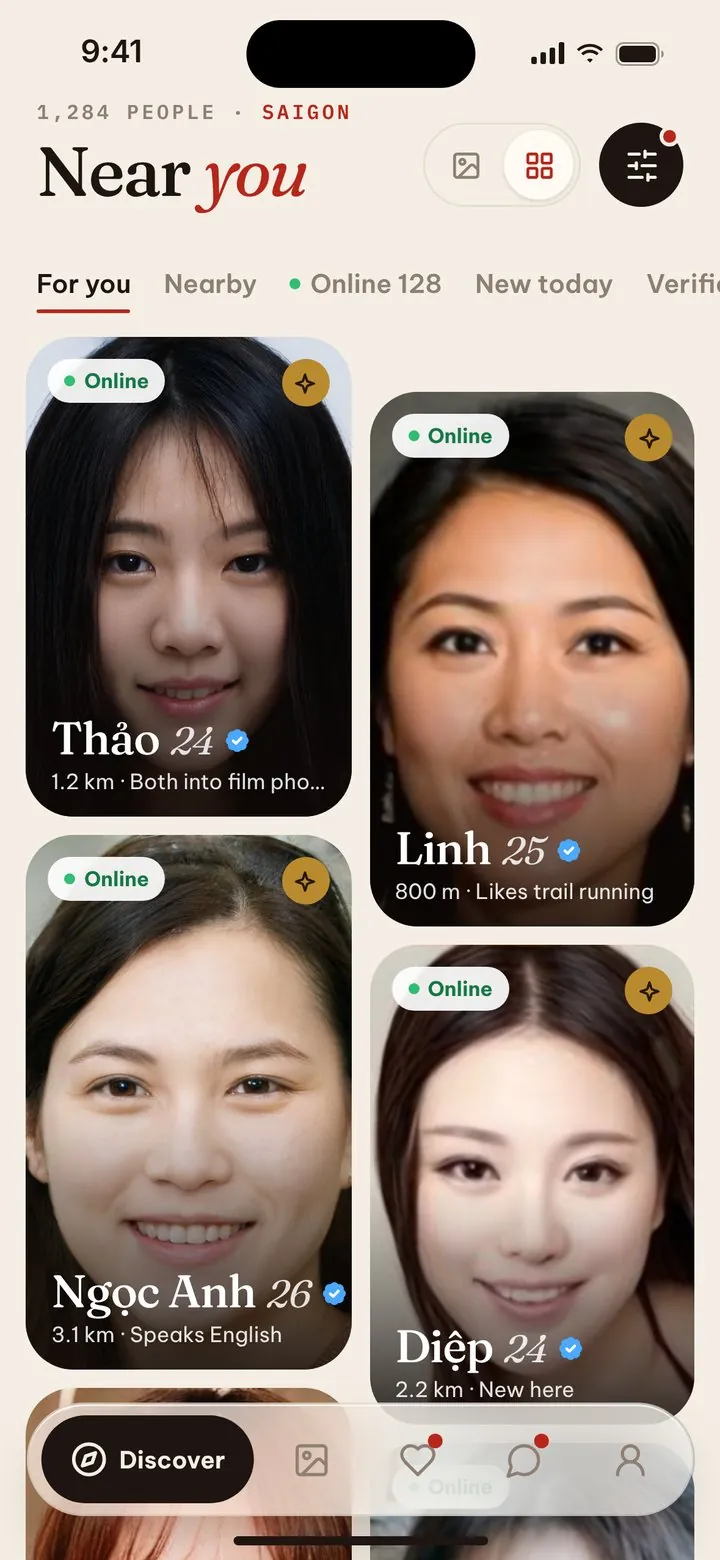
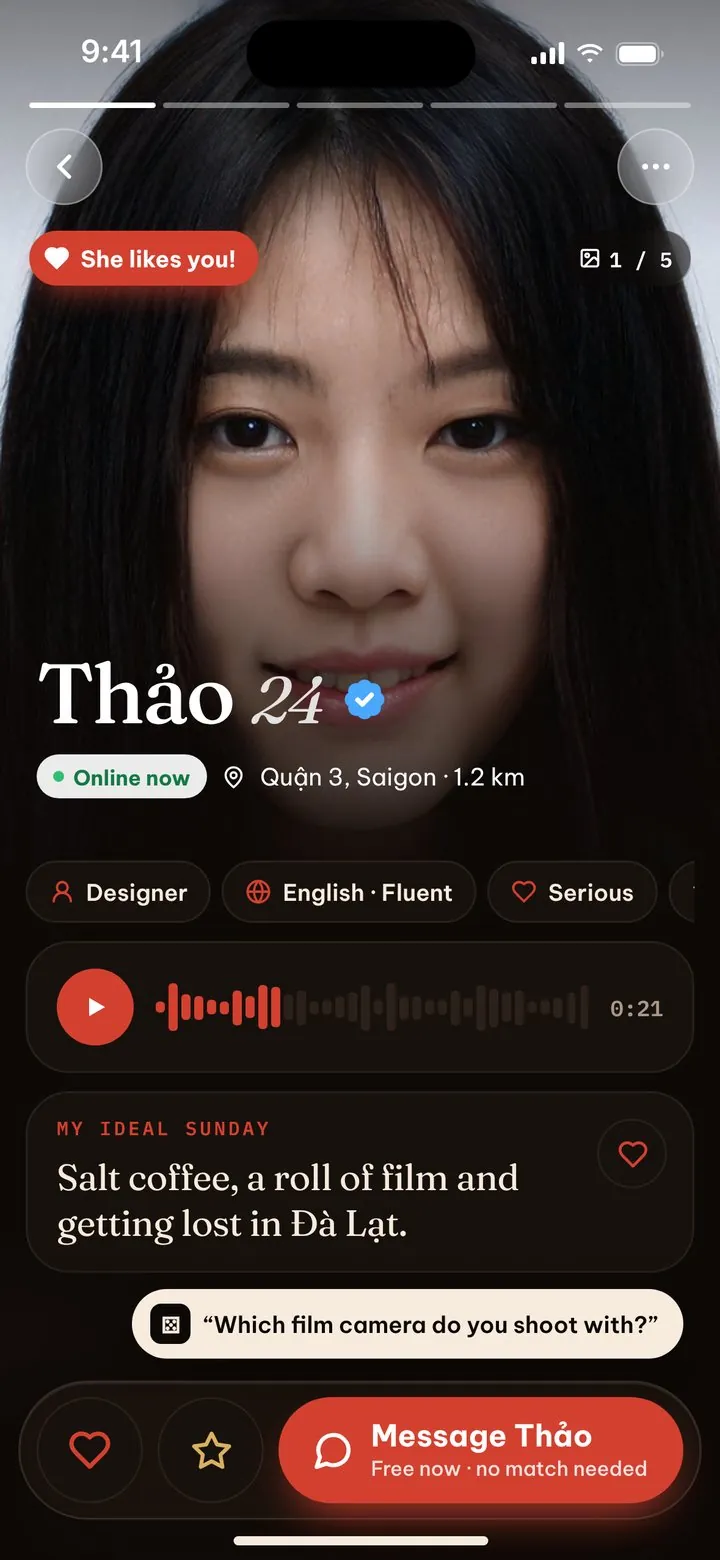
Message without a match.
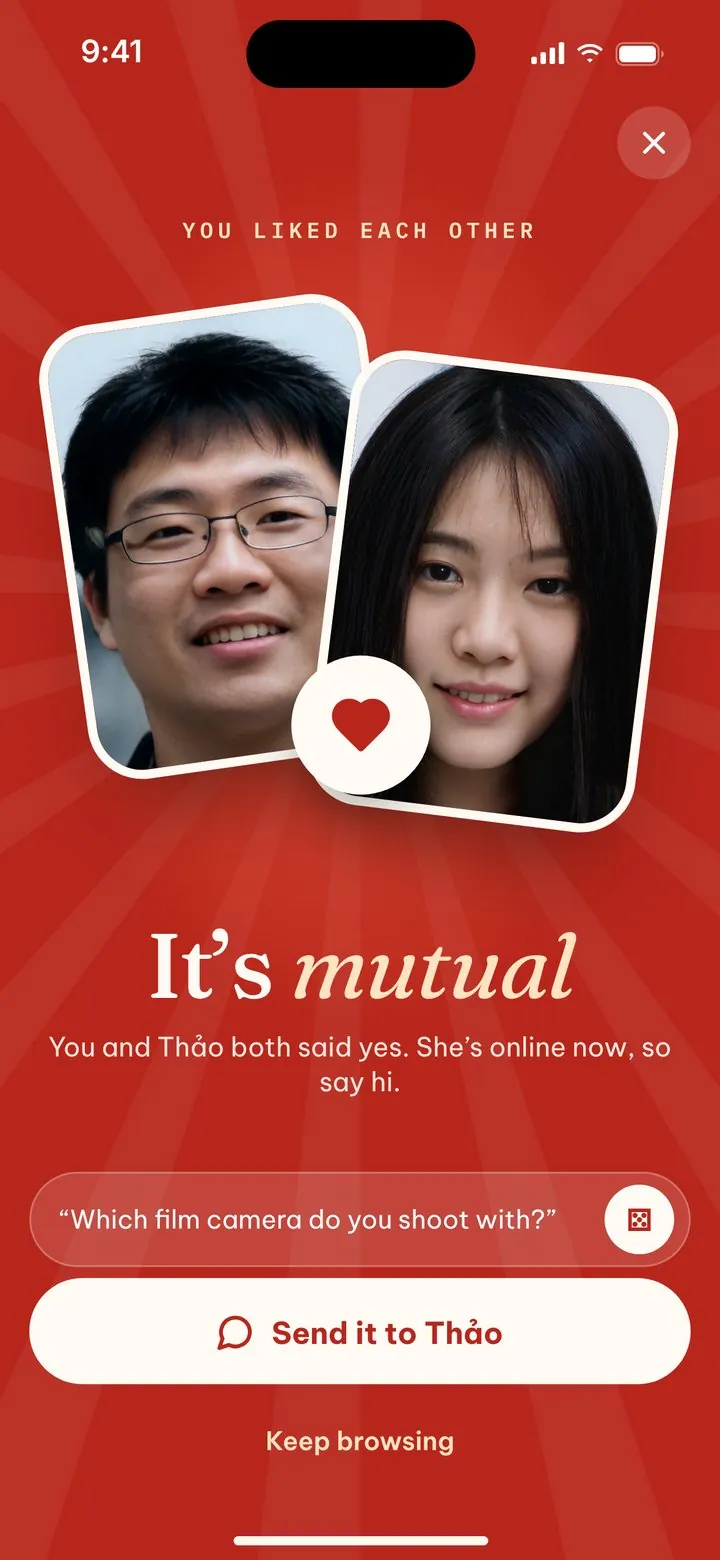
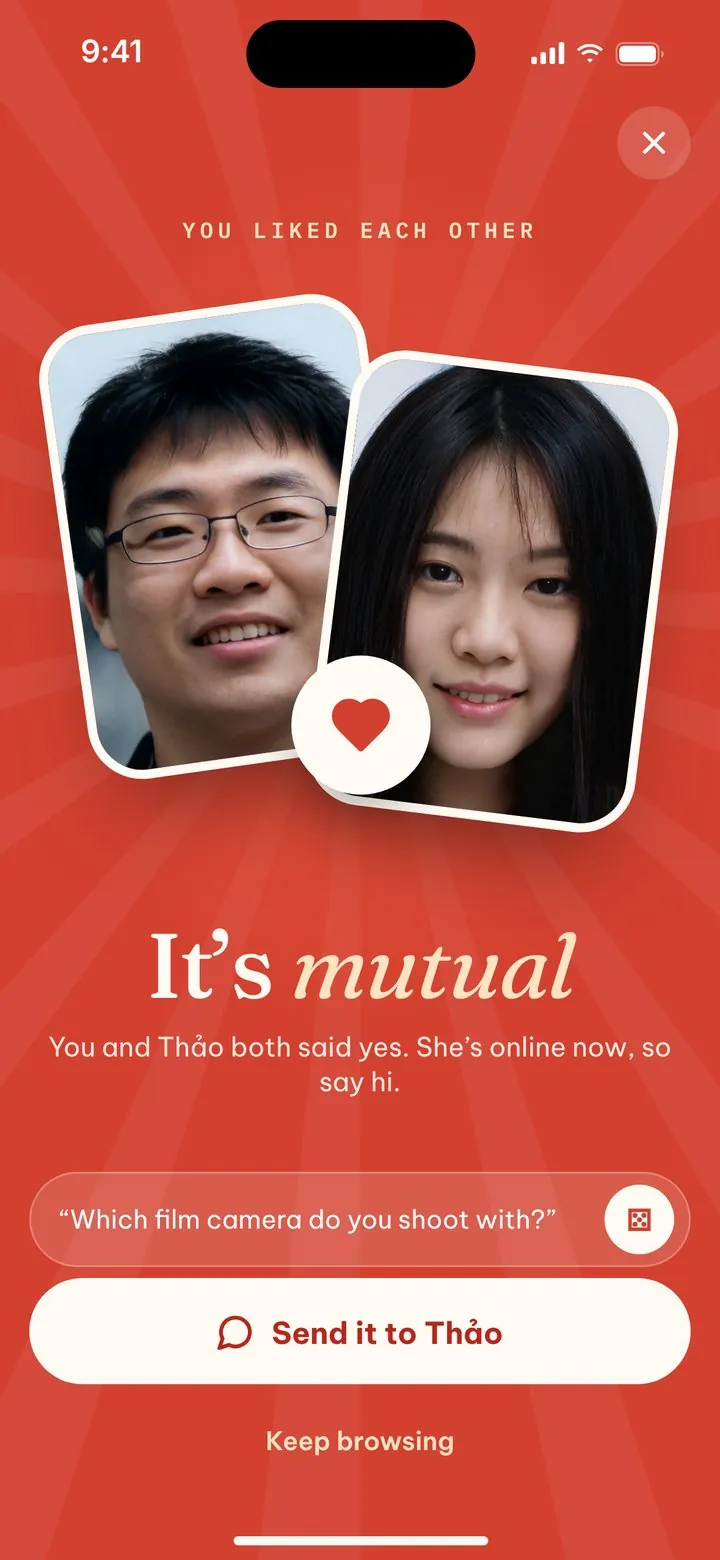
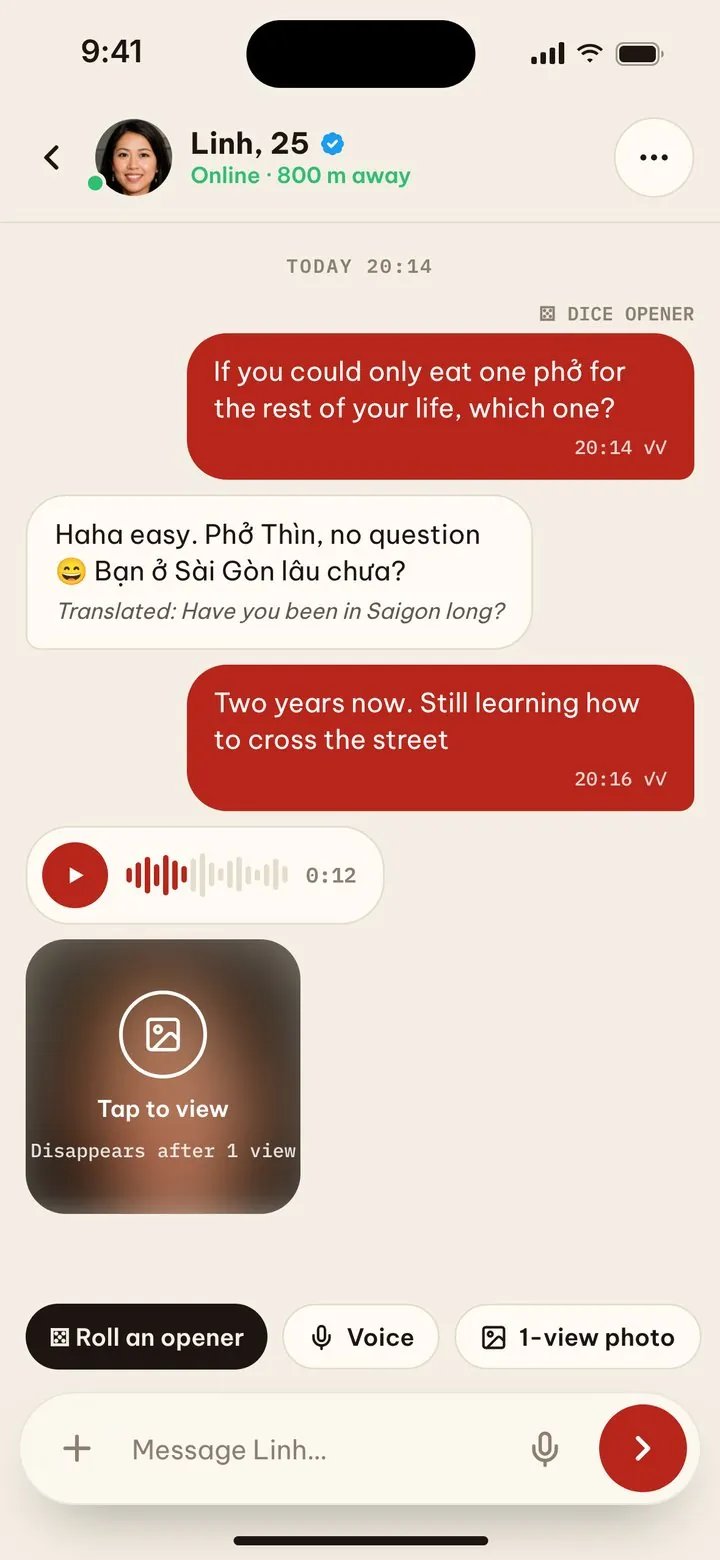
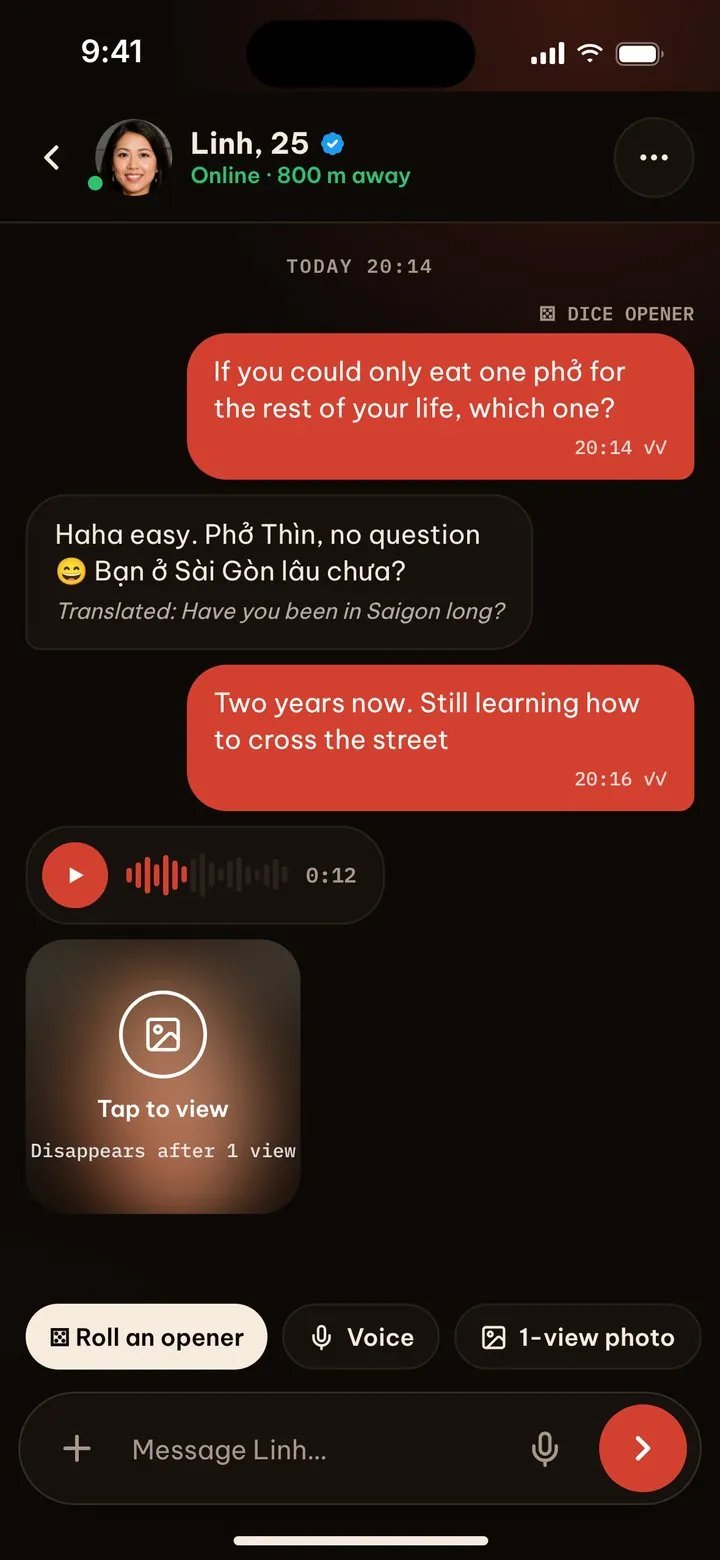
See someone you like? Say hi. Stuck for words? Roll the dice for an opener in Vietnamese or English.
Nhắn tin, không cần ghép đôi.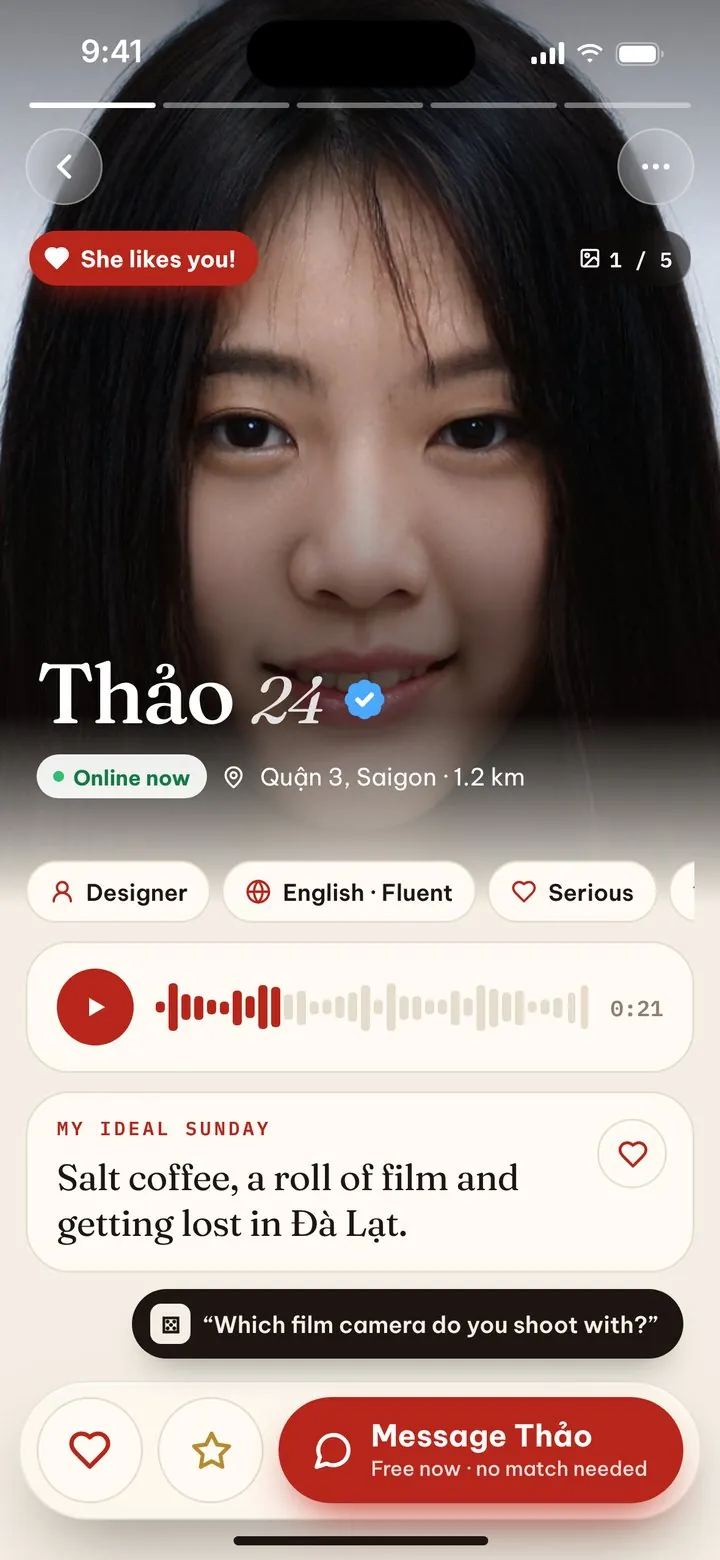
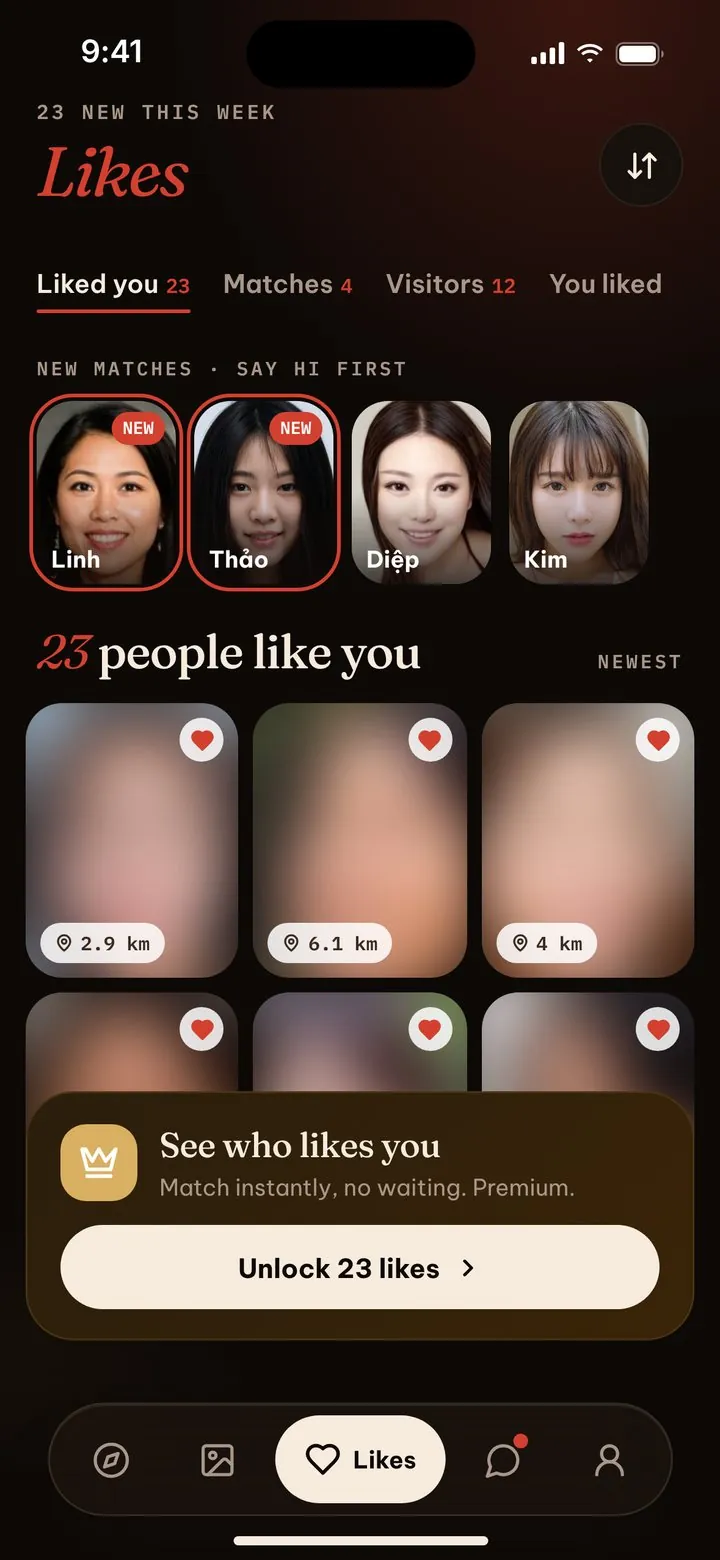
Know who’s into you.
Likes, visits and mutual likes in one place. Premium shows everyone who liked you.
Biết ai đang thích bạn.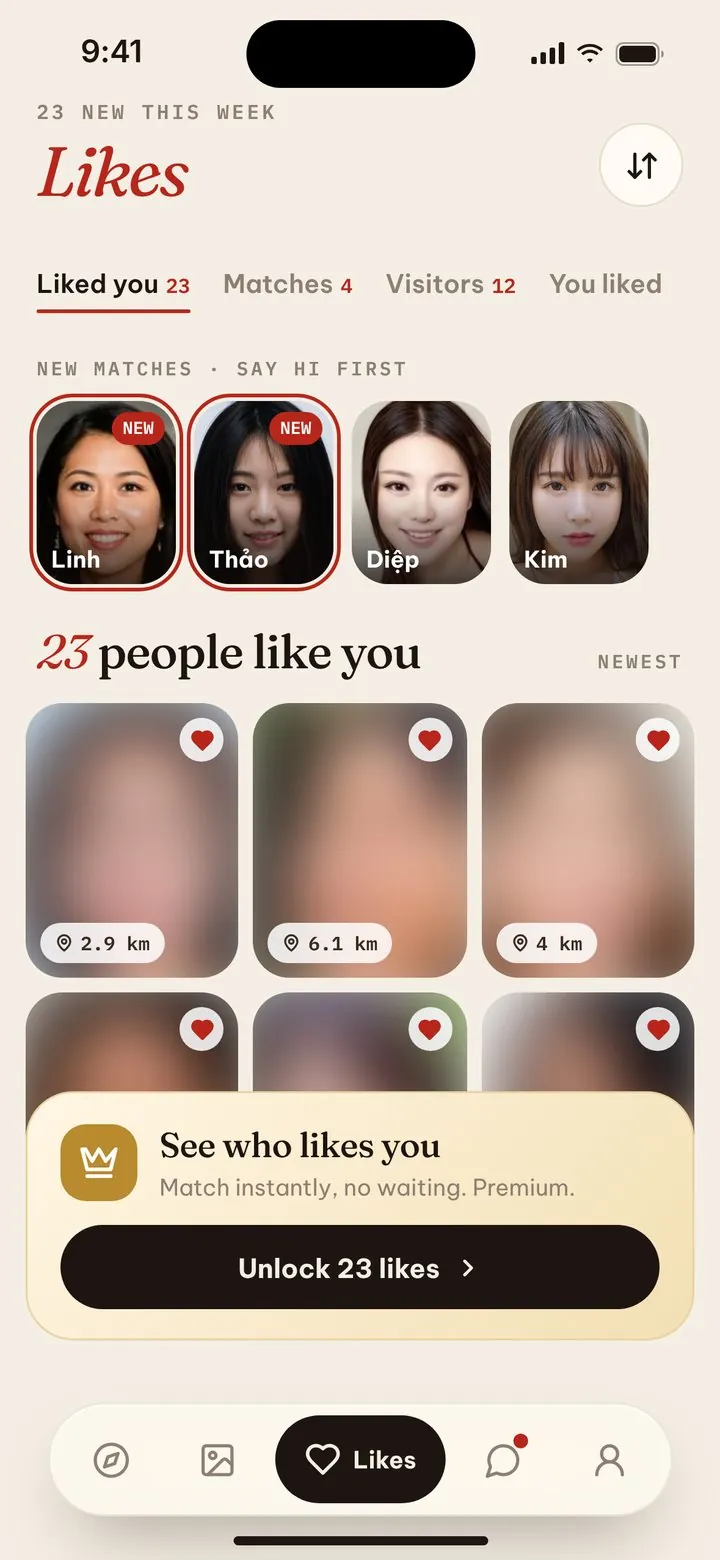
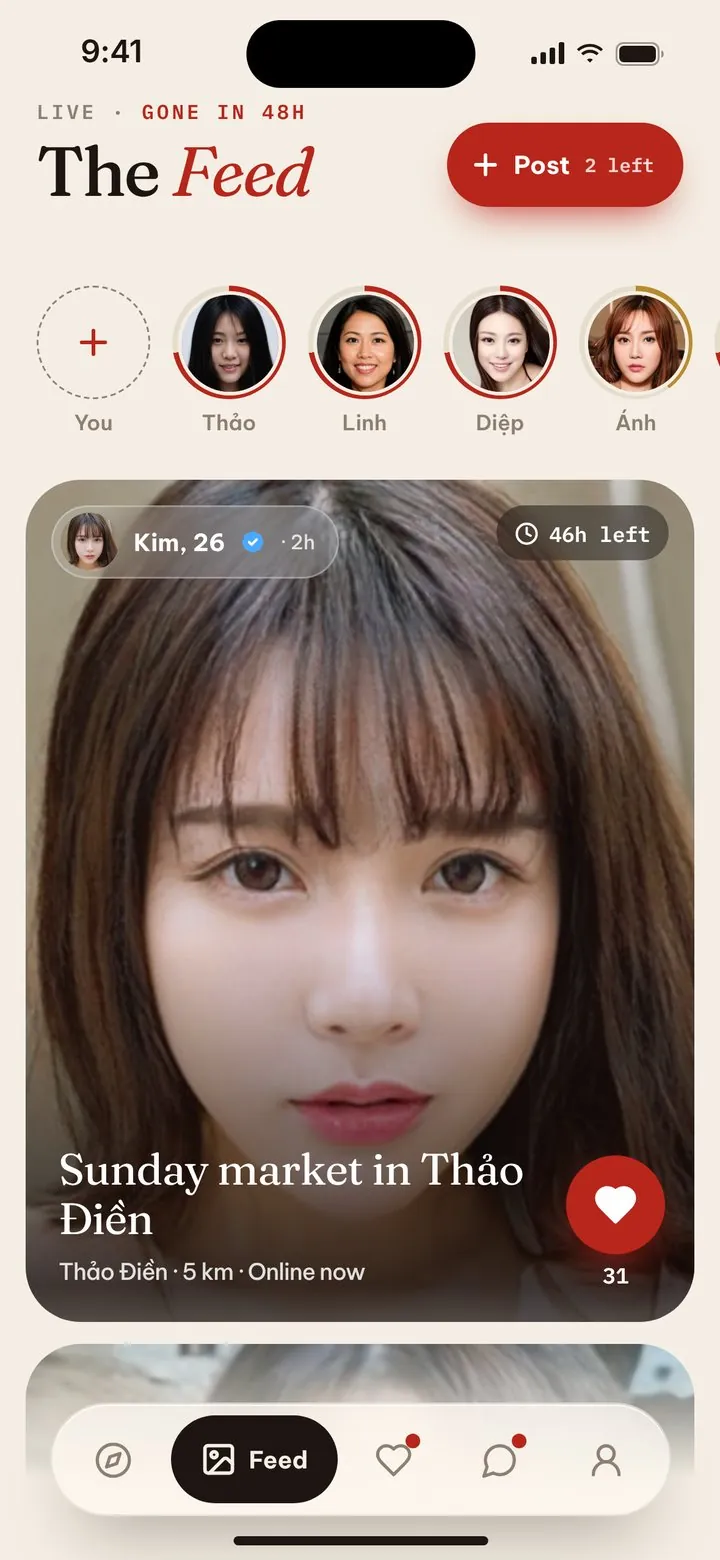
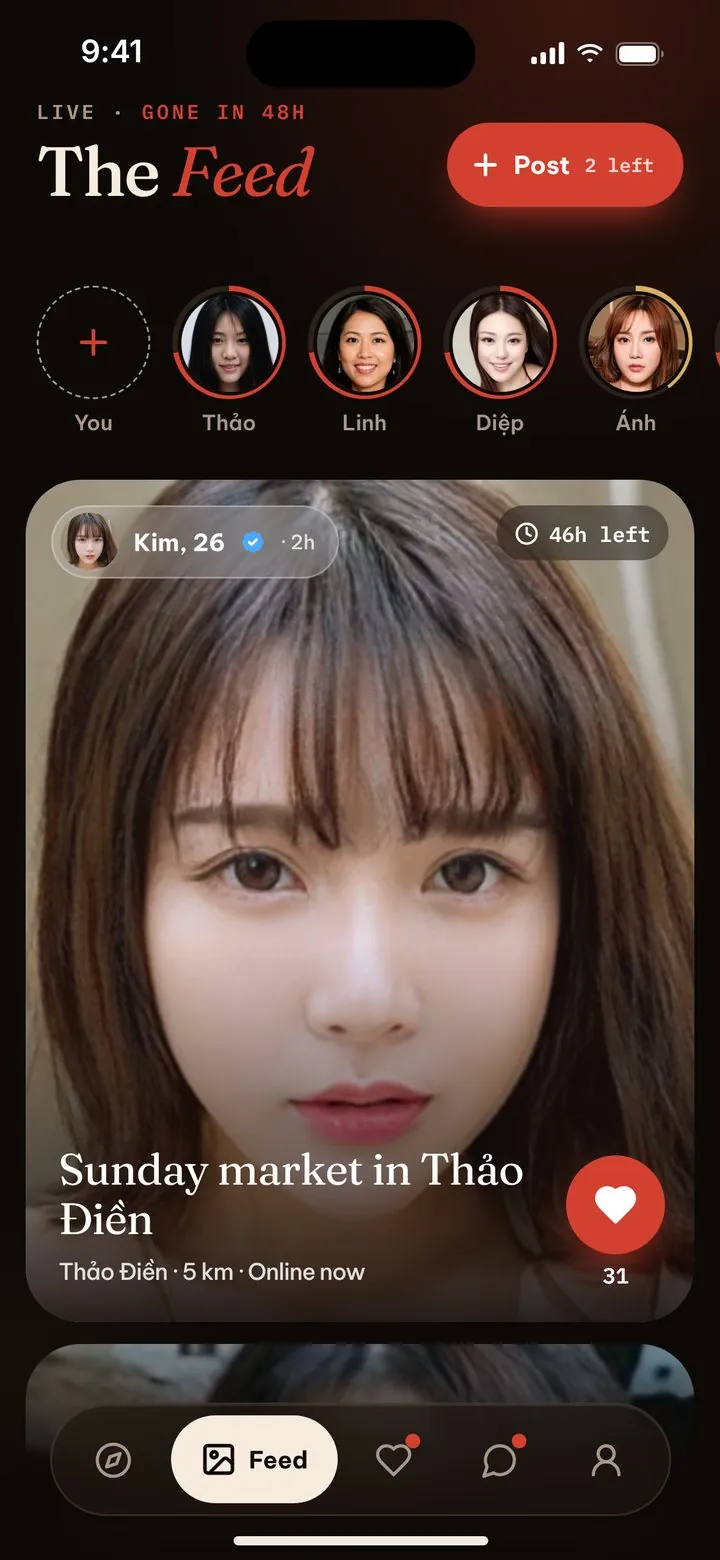
Today’s moments, gone in 48 hours.
Share a coffee, a sunset, a plan for tonight. Posts fade after two days, so the feed is always what’s happening now, near you.



Safe by design, not by luck.
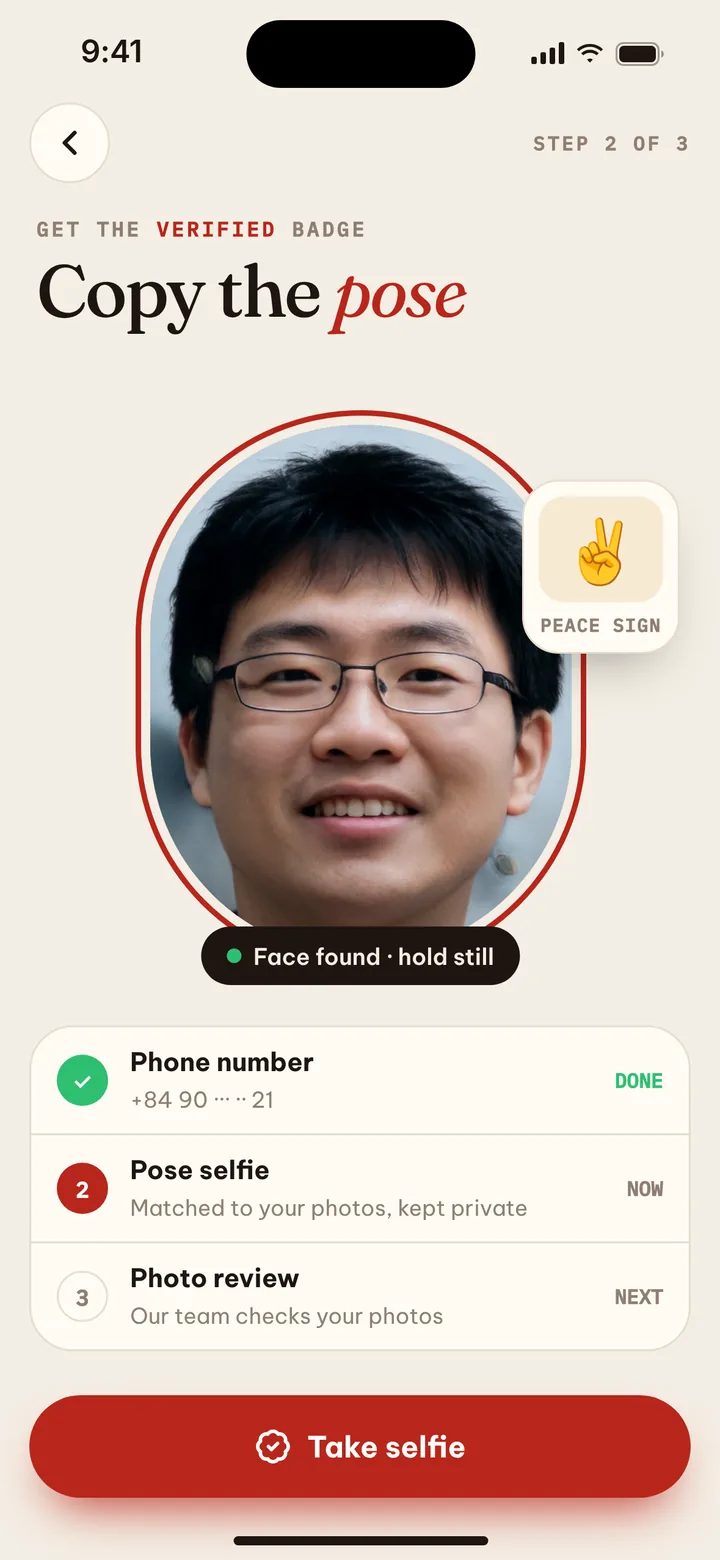
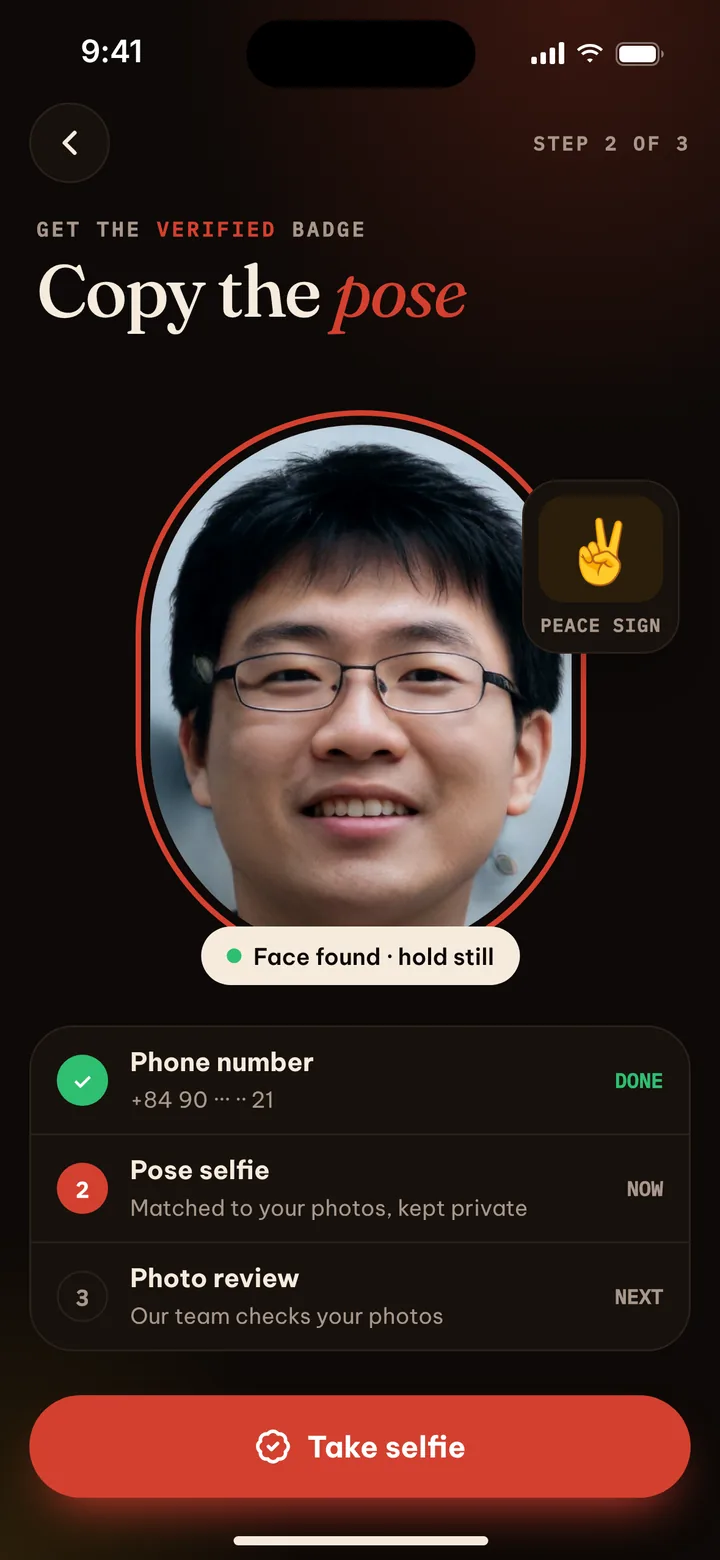
Every member confirms a phone number at sign-up, and a live pose selfie earns the verified badge. You decide who sees you, and screenshots are blocked in the app.
Live pose selfie
Copy a pose on camera. We compare it with the profile photos.
Phone checked
Confirmed once by SMS at sign-up. One person, one account.
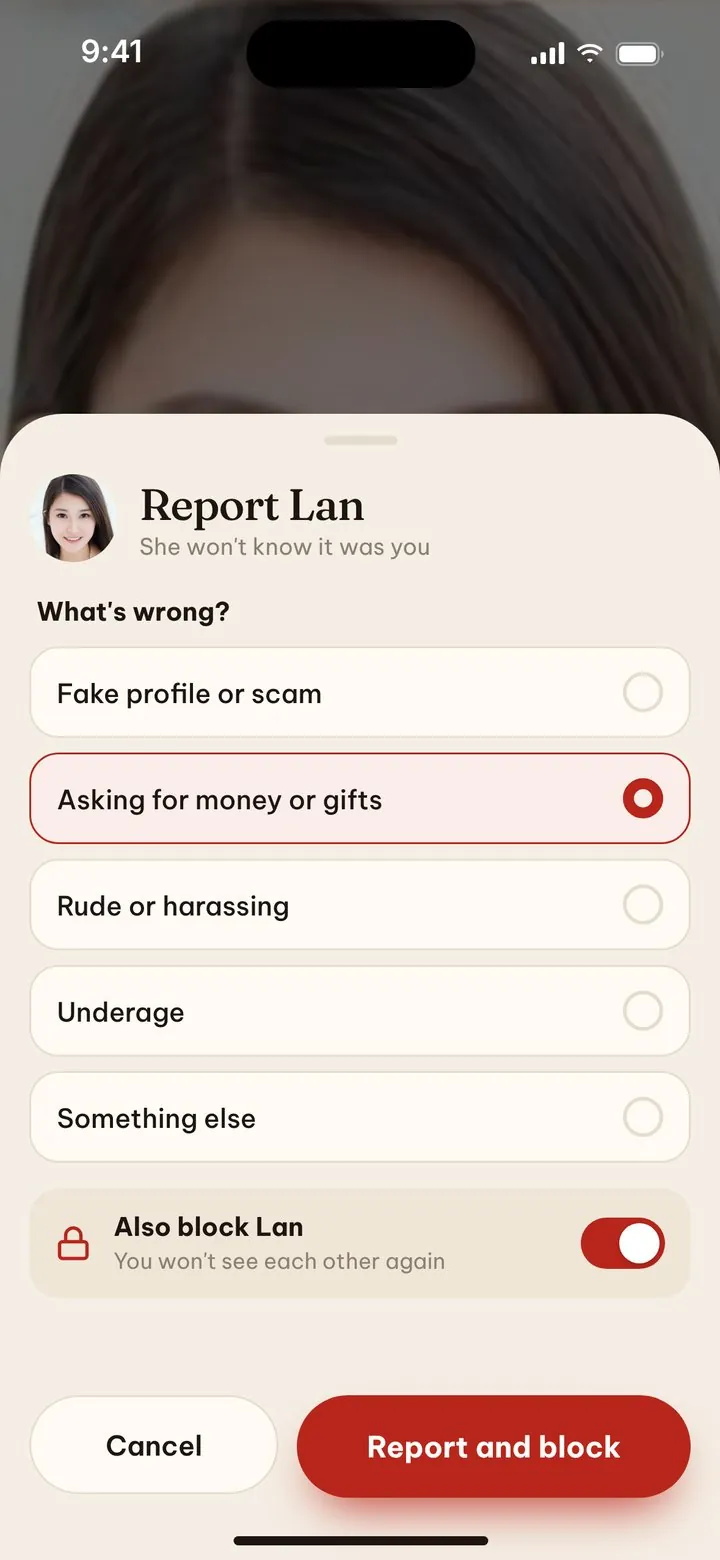
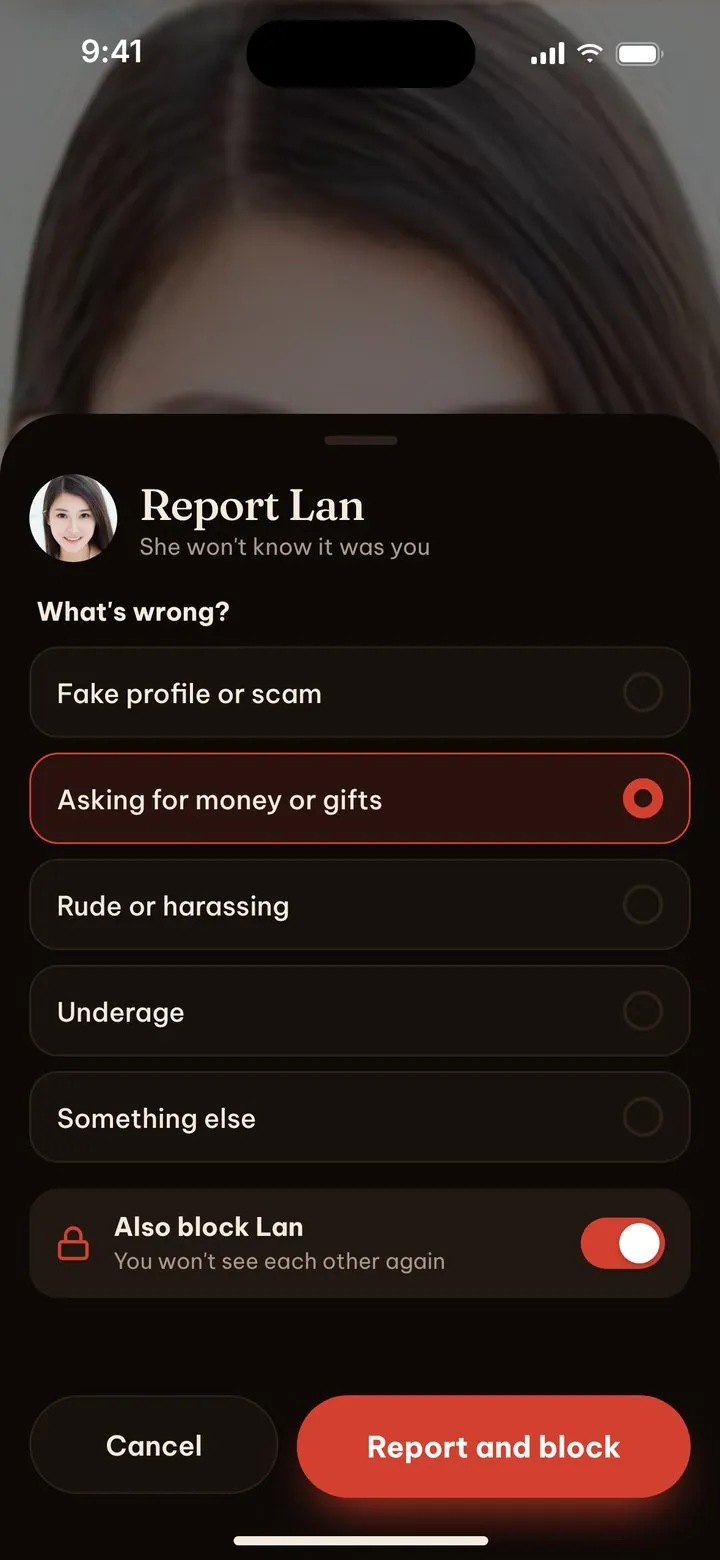
Report in two taps
Report and block from any profile or chat. They’re never told it was you.
Your visibility
Show only to people in Vietnam, pause while abroad, or hide from anyone.
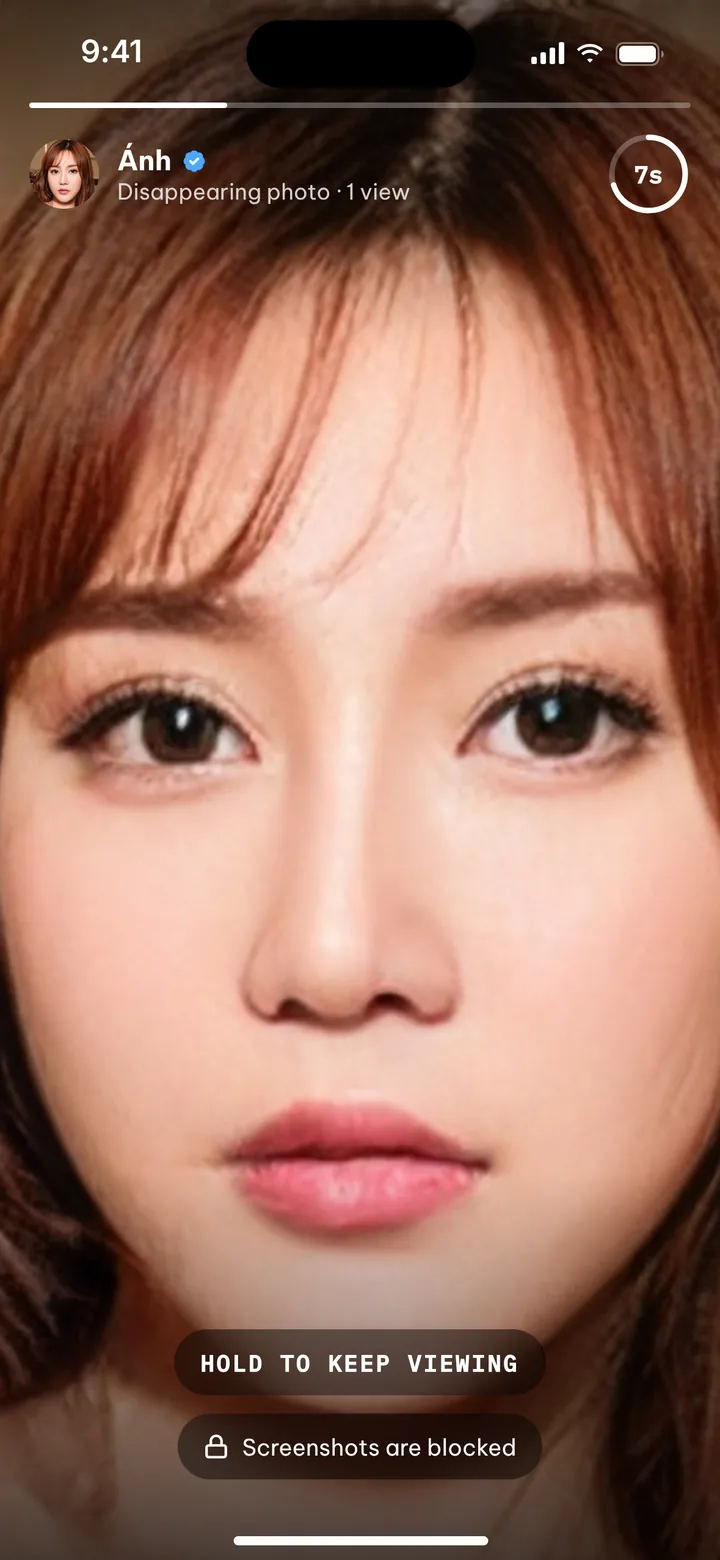
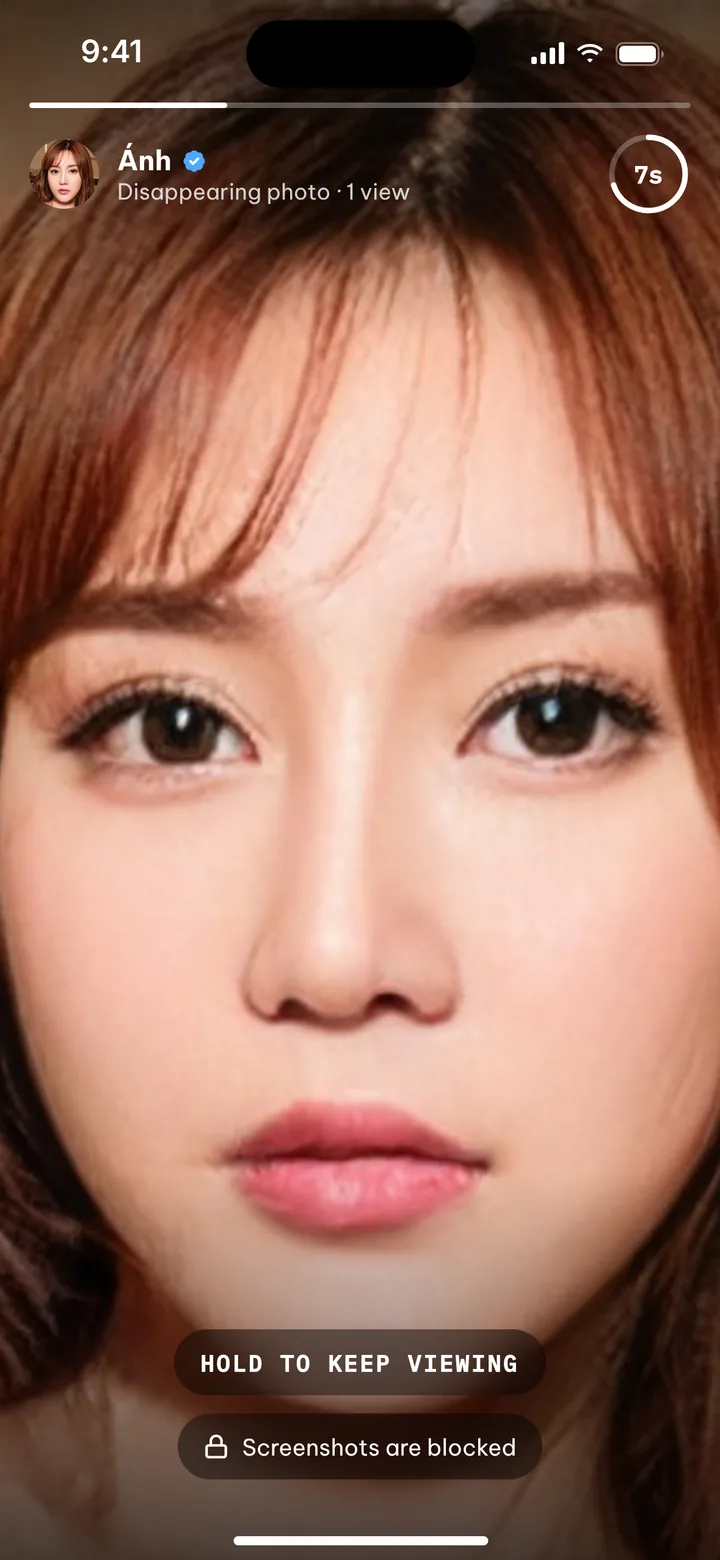
Photos that vanish.
Send a view-once photo in chat. They get 5, 10 or 30 seconds to look, then it’s gone, and screenshots are blocked.
Viết tiếng Việt. Read in English.
The whole app works in Vietnamese and English, and messages can be translated with one tap. Language is no reason not to say hi.
Free to meet. Premium to talk to everyone.
Everything to get started
- Browse every profile, no daily cap
- Likes, favourites and the Live Feed
- Message without a match
- Disappearing photos and private notes
- Every safety tool, always free
Talk to everyone
Billed through the App Store or Google Play. Cancel any time in your store settings. Prices in US dollars; the app shows the price in your currency.
Questions, answered.
Is VnMeet free?
Yes. Browsing, liking, messaging, disappearing photos and every safety tool are free. Premium removes the wait between new chats, shows who likes you and puts your messages first.
Do I need to match before messaging?
No. If you like someone’s profile, you can message them straight away. They can reply, ignore or block. It’s always their choice.
How do you know profiles are real?
Every member confirms a phone number once at sign-up, as Vietnamese law requires, and our team reviews new profiles and photos. A live pose selfie, compared with their photos, earns the verified badge.
I don’t speak Vietnamese. Can I still use it?
Yes. The app is fully bilingual and messages can be translated with one tap, both ways.
Can people outside Vietnam see me?
Only if you want. You can show your profile to people in Vietnam only, and it pauses itself while you travel abroad.
How do I delete my account?
In the app, go to Me › Settings › Account › Delete account. Can’t get in? Email support@bizmot.com. How deletion works.